
Stoop uses AI to keep every building in New York in good standing, working only from official city records. It knows every rule, watches every agency and drafts the paperwork before anything is due.
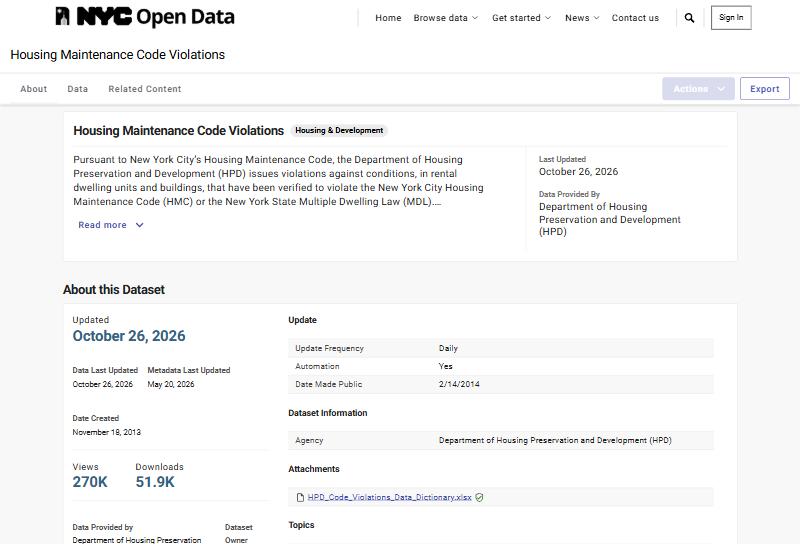
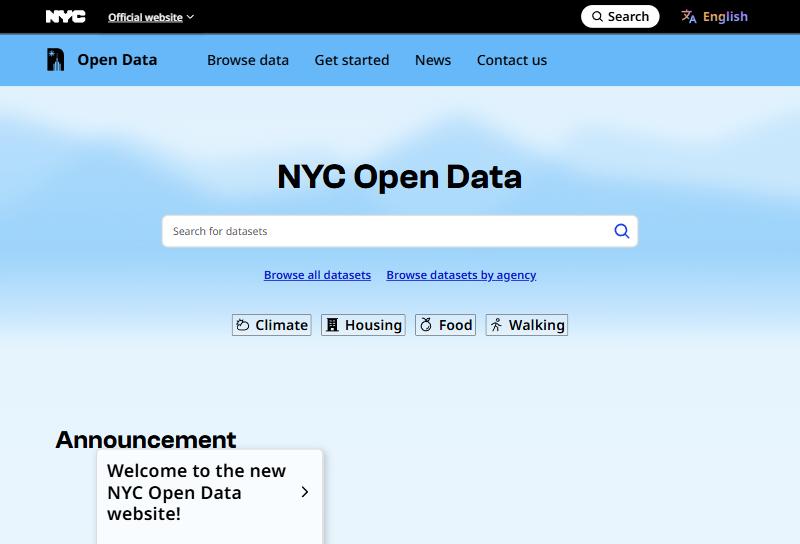
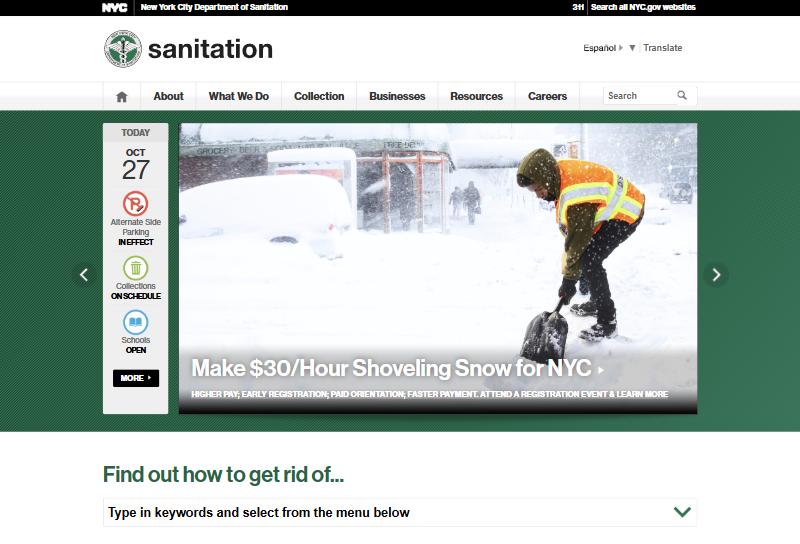
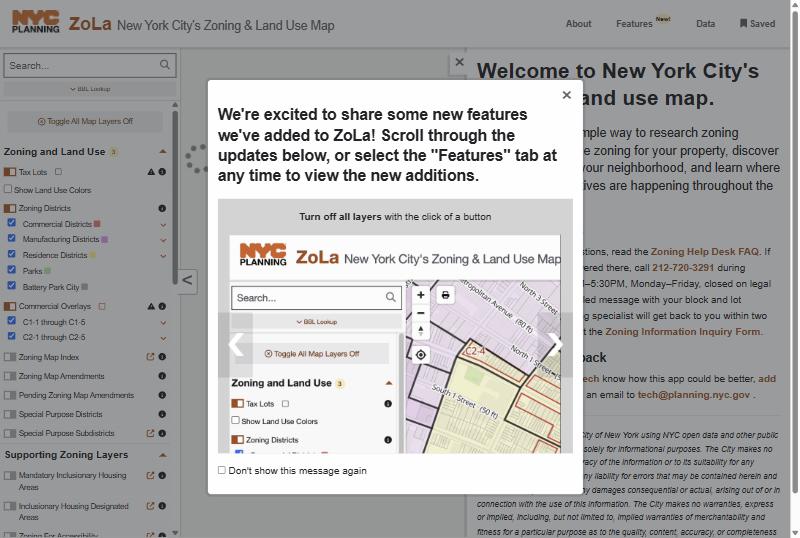
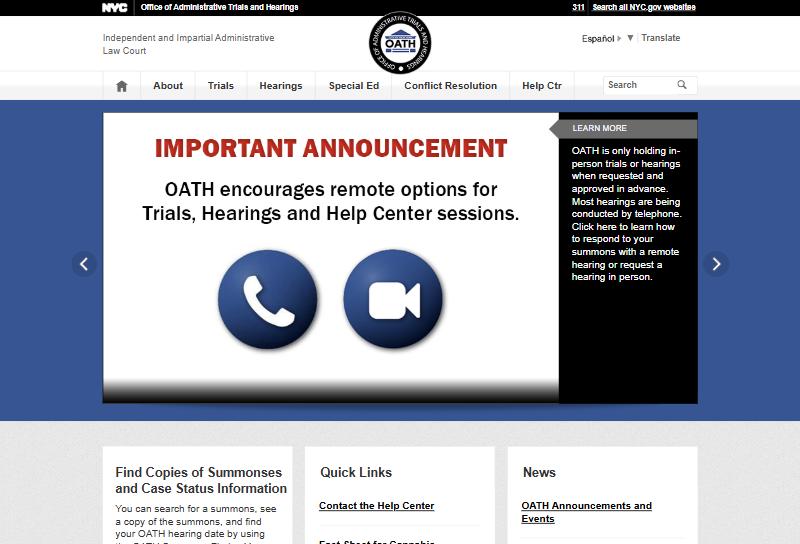
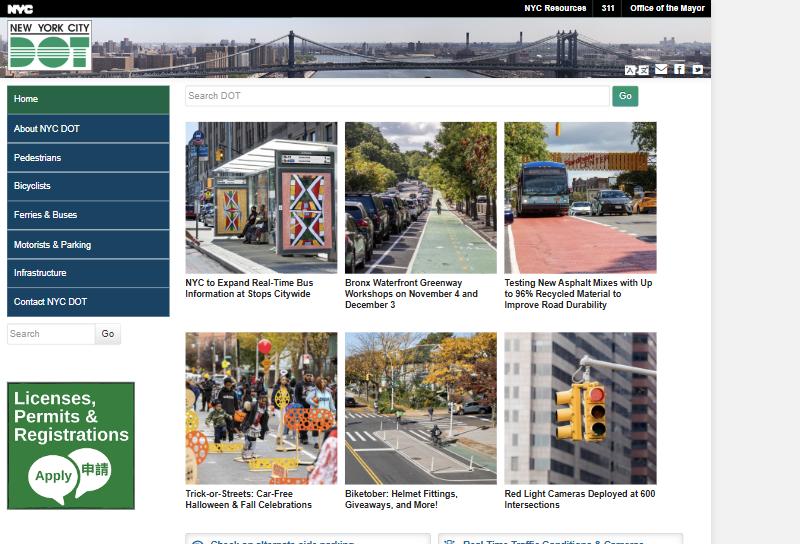
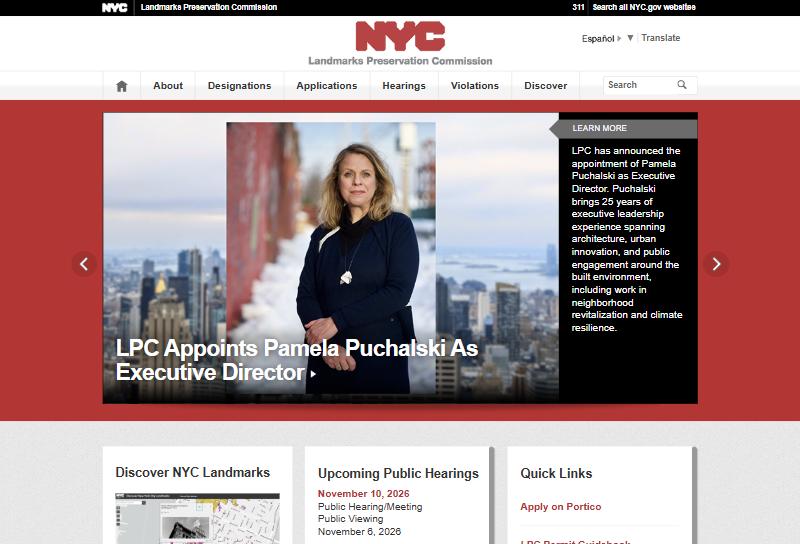
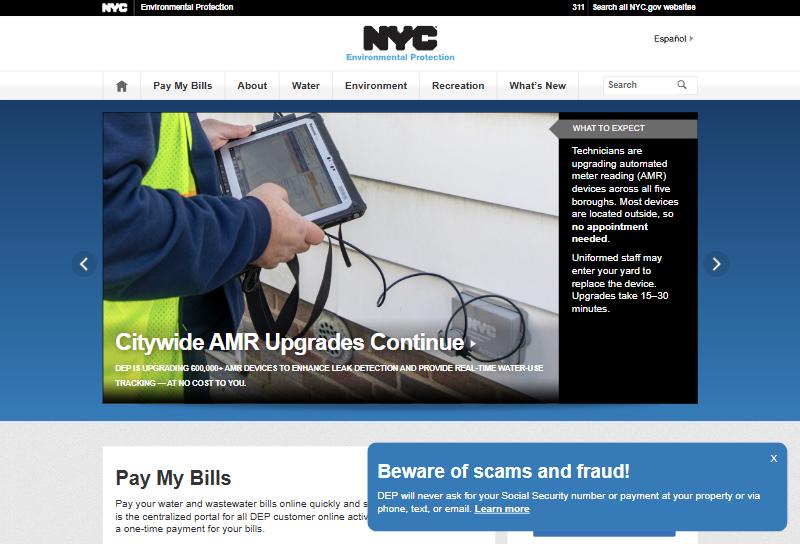
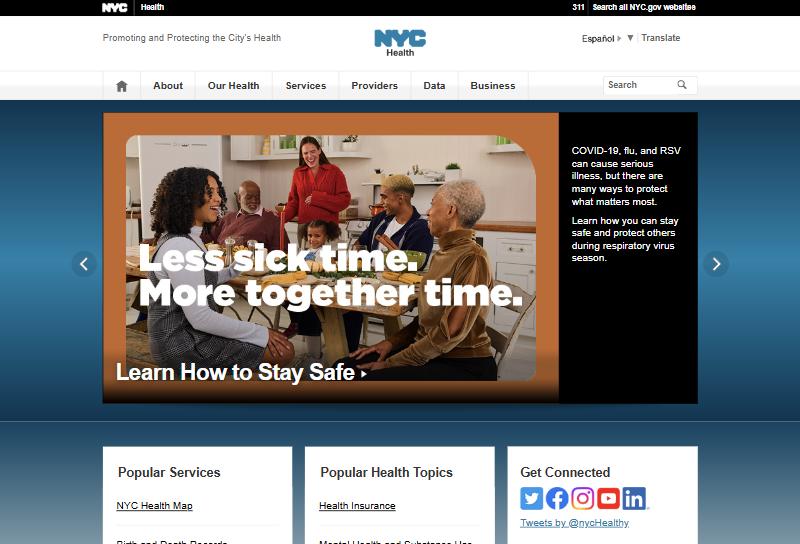
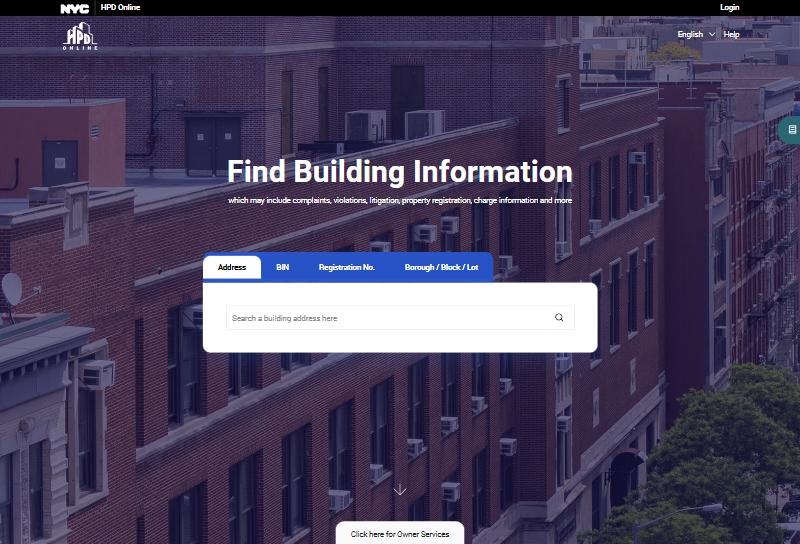

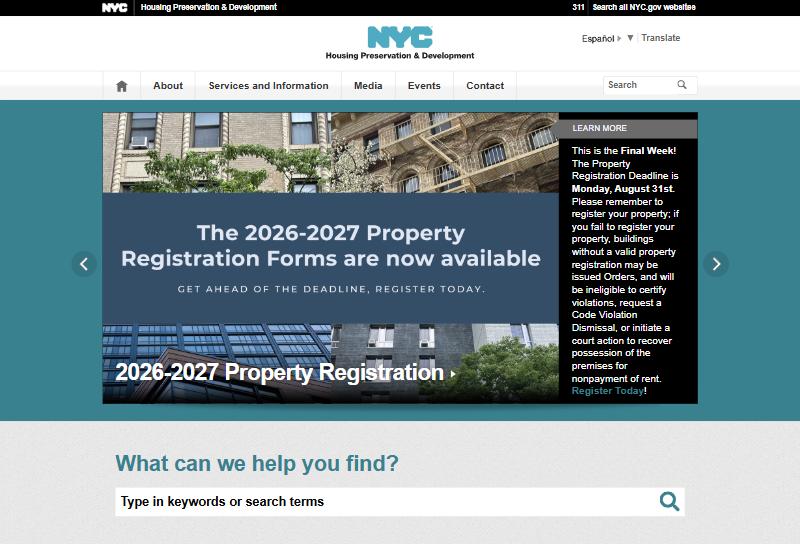
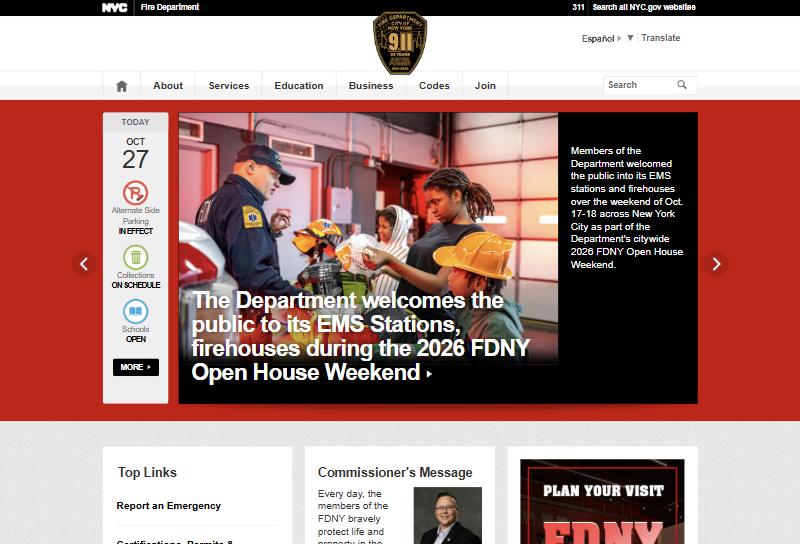
48 city datasets into one.
No more checking DOB NOW, BIS, HPD Online and ECB one at a time. Stoop brings the records for your building into one place, most of them refreshed every day.
Clear answers. Official sources.
Every answer comes from city agency records, and you can open any record behind it.
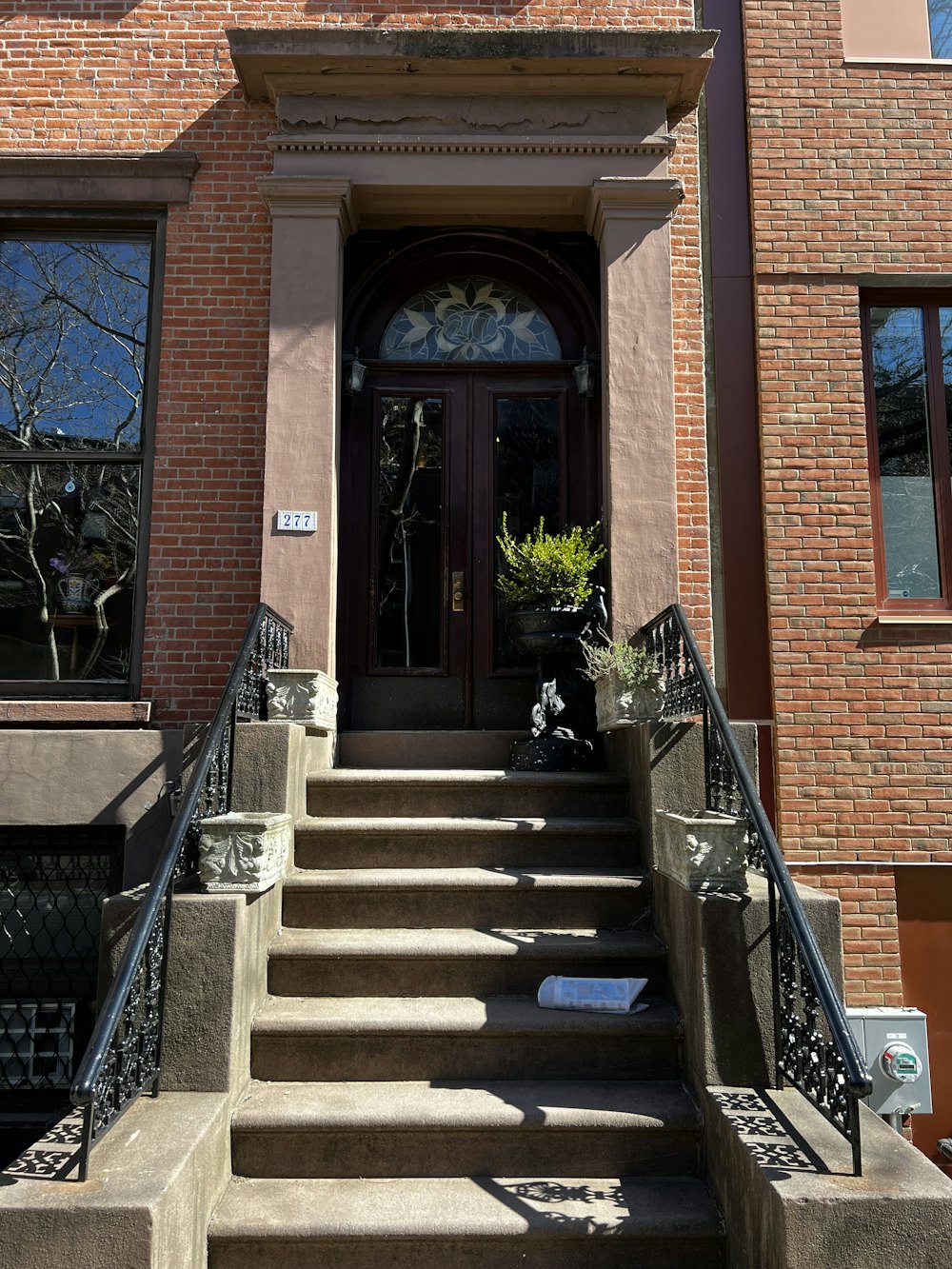
Your buildings stay yours.
City records are public. Your building’s file is not. Its documents, alerts and team only open once we’ve verified you own or manage the property.
The boiler room check is due today.
Open the taskNothing to install.
Open Stoop in the browser on your phone or computer, or add it to your home screen. Your team joins from a link.
Every building in New York. Already on file.
Ask about the one you own, the hundred you manage or the one you’re about to buy. Stoop pulls its record, works out its rules and shows what’s due.
It does the work, not only the looking up.
Stoop doesn’t stop at telling you what’s wrong. Once your buildings are in, this is what it does for you:
- Keeps watchChecks your buildings against city records every morning, and alerts you when something changes.
- Tracks every dutyWorks out each inspection and filing your building owes, puts it on a calendar and keeps the proof.
- Plans the fixLays out the steps for a violation, drafts the paperwork and gets you ready for a hearing.
- Runs the workGives out tasks and work orders to your team and vendors, and runs your routine checks.
- Shows what it didTell it what you need. It does it and shows you what changed. Anything that leaves Stoop or costs money waits for your OK.
- BuildingsChecking records1 open ECB violation
- HousingChecking records2 open, 1 is Class C
- HearingsChecking recordsHearing on Nov 16
- FireChecking recordsNothing open
Everything open, in one answer.
Stoop checks every agency that can fine your building, then tells you which item matters first.
- Bedbug reportFiled with HPD in DecemberDue soon
- Boiler inspectionInspect by year endDue soon
- Annual tenant noticesWindow guards and lead paintPlanned
Every local law, worked out.
Stoop works out which rules apply to each building and when each one is due. It only asks what the city’s records can’t tell it.
- Get a plumber to 3F today.
- Certify the correction with HPD.
News from the city, with a plan.
When anything changes at a building, Stoop tells you what it means and what to do, by email or right in the conversation.
The summons, the building record and proof of correction, for OATH on Nov 16.
Hearings, prepared.
Stoop builds the packet for every OATH hearing, so whoever goes walks in with the record, the proof and what to say.
9:42 am
Your super, in the loop.
Supers get the task on their phone with photo proof built in. No app to install, just a link.
- PrintedPreparing letters48 letters with return envelopes
- MailedWaitingJan 2, first class
- ReturnedWaiting41 of 48 so far
- Follow-upsWaiting7 second notices scheduled
Tenant notices, mailed and tracked.
Window guard, lead paint and fire safety notices, printed, posted and followed up until every unit answers.
See Local Law 97 coming.
Stoop estimates emissions from your energy filings and shows the year the limits start to cost you, with years left to plan.
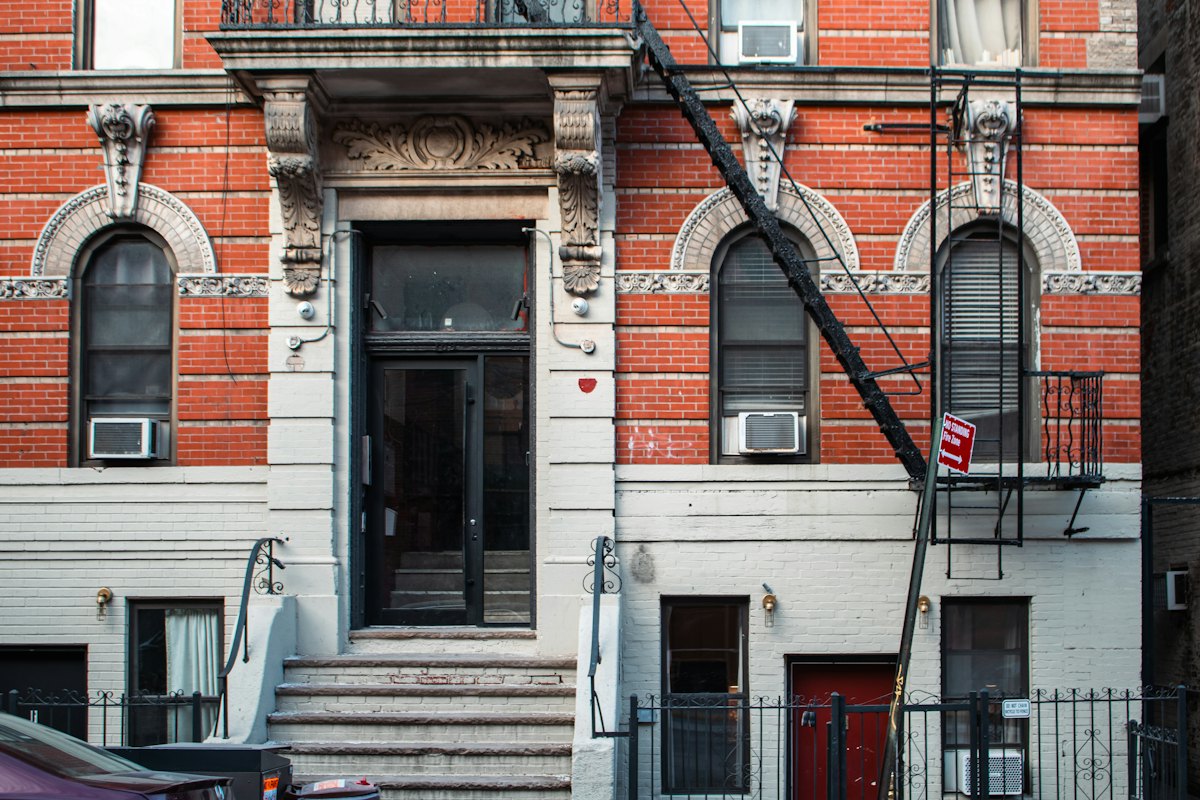
Stoop prepares it. A licensed pro files it.
When a violation needs an engineer, an expediter or an attorney, Stoop hands over a complete case file so nobody starts from scratch.
What’s coming
Going beyond answers, Stoop will point you to the right licensed pro, prepare the filings and track each one until the agency closes it, all in the same conversation.
- FiledBoiler replacement · Sep 12
- ApprovedOct 3
- InspectionScheduled for Nov 6
- Signed offClosed when DOB signs off
Start with your building.
You don’t need an account to look one up. When you want Stoop to keep watch, create one from the conversation, and your building and your answers come with you.
Questions owners ask us.
What can Stoop do for me?
With no account, it looks up any building in New York and tells you what violations are open, what you owe and what’s due.
With an account, it does the work: it checks your buildings every morning, tracks every inspection and filing, plans fixes, drafts paperwork, gets you ready for hearings, and gives out work to your team and vendors. You tell it what you need, in plain words, and it shows you what it did. It never files with the city. It gets things ready, and a person files them.
Where do the answers come from?
Only from official city records. For each building, Stoop asks 48 city datasets: violations, complaints, permits and filings from DOB and HPD, hearings and summonses from OATH, registrations and inspections from DEP and the Health Department, and lot data from City Planning.
What a building owes comes from 52 rules based on the city’s local laws. City data can lag the agency by a day or more, so Stoop shows when the city last updated what it read.
Who can see my building’s file?
Only your company. City records are public, so anyone can look up a building’s violations. What you add to Stoop is private to your company: documents, your answers about the building, your trackers and your team.
A building’s file and its alerts open once Stoop has verified that you own or manage it. You upload a deed, a management agreement or a similar document, and Stoop reviews it.
What does Stoop do once it watches a building?
It checks the building’s city records again every morning. When something changes at a verified building, or a hearing or filing date gets close, you get an alert in Stoop and by email.
Is Stoop part of the city?
No. Stoop is a private service, not a government agency, and it isn’t affiliated with any city agency. It reads public NYC Open Data and agency records. It isn’t legal advice.
Do I need to install anything?
No. Stoop works in the browser on your phone or computer. Your team joins from an invitation link.